
What a great combination these two are!
DCC-EX makes a great entry-level DCC system for those new to DCC Train control, who want to have a go at ‘brewing their own’ hardware.
Hornby TTS are cheapish DCC decoders with sound – Twin Track Sound no less! They cost significantly less than other sound decoders but get the job done without breaking the bank. Of course, there are drawbacks to these decoders, but for ‘bang for the buck’ these work well in my opinion.
So what’s the issue you may ask…
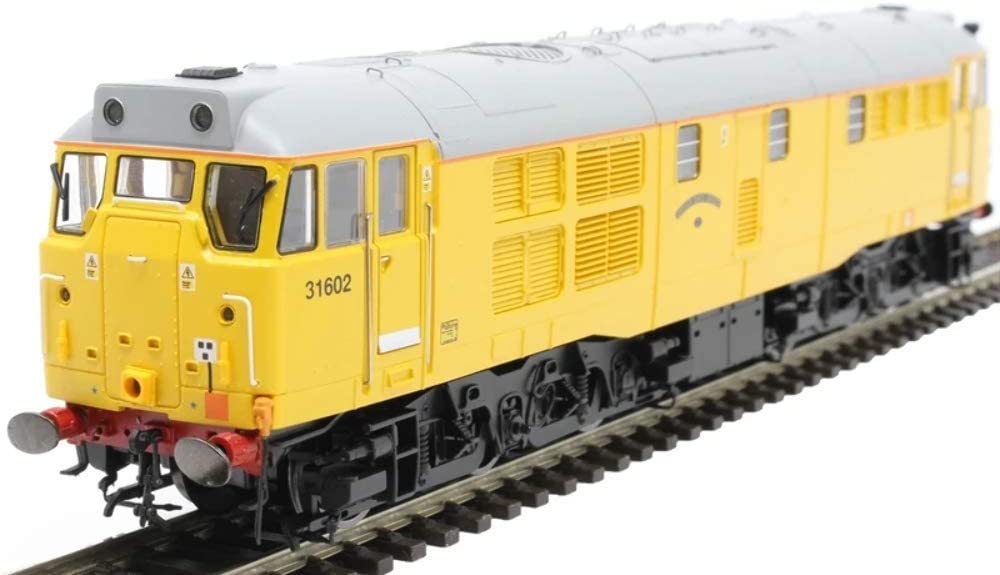
Well recently, while prototyping my own DCC++ Ex build, I received a new Hornby TTS Sound Decoder for my Hornby Network Rail Class 31 – ‘Driver Dave Green’. (One of my favourite classes of locomotive, but I digress).
Anyhow, without much ado, I dropped the DCC++ project to fit the Hornby TTS decoder to ‘Driver Dave Green’.
Fitting the decoder didn’t prove to be too much of an issue although I did decide to ditch the supplied TTS Speaker and replace it with an ‘iPhone speaker’ replacement.
Before I replaced the body, I ran a quick check to ensure the TTS chip was responding to DCC commands. To do this, I connected up my prototype DCC++ CommandStation and proceeded to run a few quick tests.
This is where I discovered an issue – Life’s never easy!
I found that my JMRI setup was able to communicate with ‘Dave’ via the CommandStation using the default DCC address of 3. However, trying to do anything with CVs on my Program Track, caused the dreaded error code 308 (no ack from loco) as reported by JMRI.
Anyhow, to cut a longish story short, I found that two other Hornby TTS decoders gave problems, as well as one Laisdcc (non-sound) decoder.
My hunch was that the default ACK parameters in the CommandStation may need tweaking. This did the trick.
I was able to alter the ACK parameters (MIN, MAX and LIMIT) via the CommandStations’ USB port. (Connect to the USB port with Arduino Serial Monitor). I widened these three parameters and was then able to read/write CVs without a problem. The commands and values I used were:-
<D ACK MIN 2000>
<D ACK MAX 8750>
<D ACK LIMIT 20>
You can also switch ACK diagnostics on with the <D ACK ON> command. (It’s all documented in the DCC++ Ex command reference).
These values, (or whatever you arrive at if you experiment a bit further than me), can be made permanent so that they survive a power-down of the CommandStation.
Load your DCC++ Ex CommandStation sketch up in Arduino IDE. Create a new tab named mySetup.h then paste the following into that tab (maybe change values if you arrive at different values). Then compile and upload the modified sketch to your Mega.
SETUP("<D ACK MIN 2000>");
SETUP("<D ACK MAX 8750>");
SETUP("<D ACK LIMIT 20>");
Now, on power-up, these values will be reloaded and hopefully JMRI ‘no ack’ warnings will disappear. Oh, and this also worked for the Laisdcc decoder too!